Kanisa Langu is your comprehensive solution for managing all aspects of head parish operations. From tracking revenues and expenses to engaging with church members, our platform offers everything you need to run your parish efficiently.
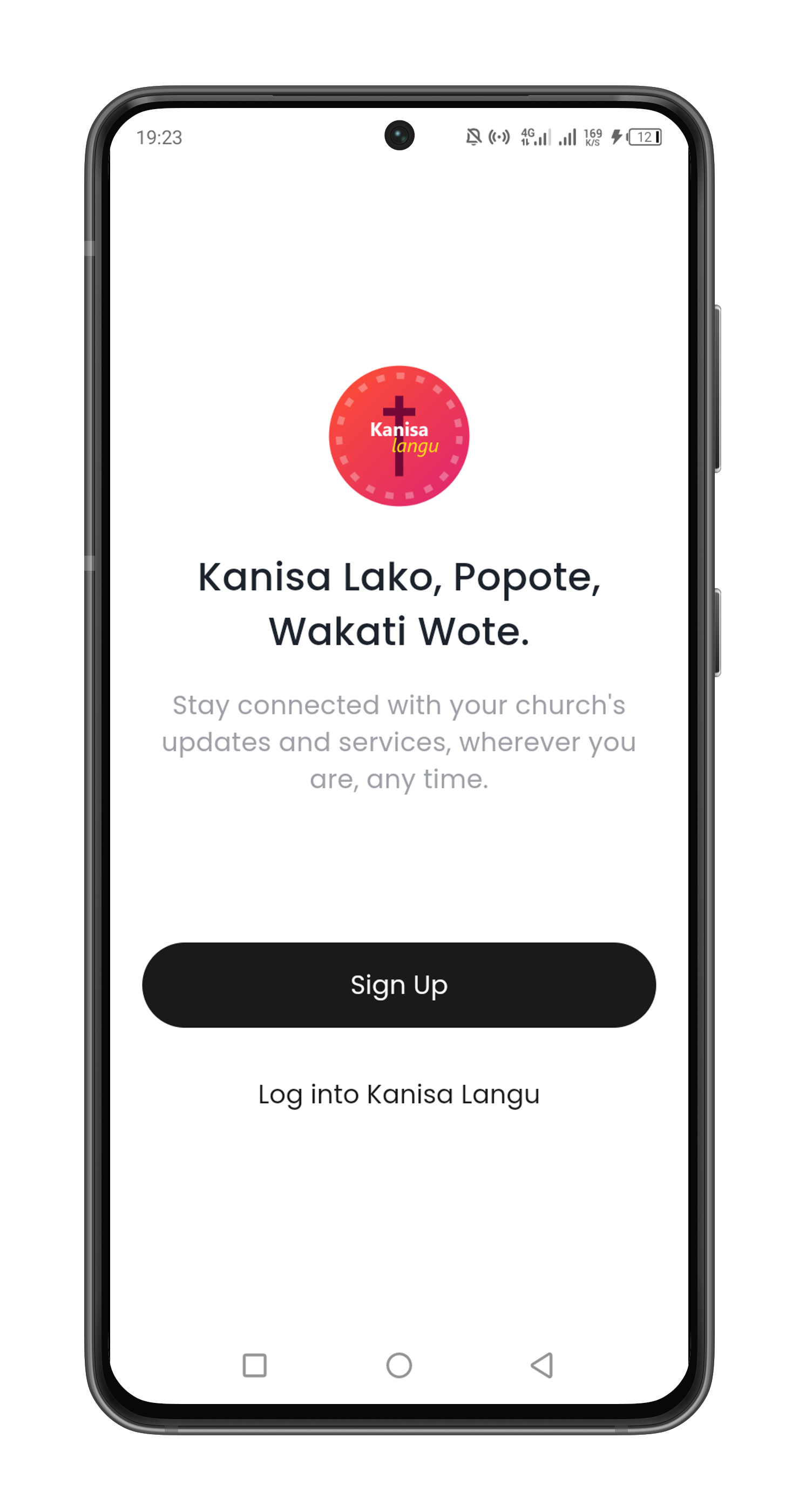
Discover the powerful tools and features that make Kanisa Langu the ultimate solution for managing your parish efficiently and effectively.
Record and monitor all parish income streams with transparency.
Track and manage all expenses for better financial planning.
Access customizable reports to gain deep insights into financial and operational performance.
Simplify member management with dedicated accounts for effective engagement and support.
Facilitate donations and payments seamlessly through our secure payment system.
Kanisa Langu simplifies church operations with easy revenue tracking, expense management, insightful reports, member accounts, and integrated payments.
Efficiently manage your church operations with our user-friendly platform. Track finances, manage members, and handle payments with ease.
Simple steps to get started with Kanisa Langu.
Get Kanisa Langu on your device for free.
Set up your account and start using the app.
Explore and enjoy all the features Kanisa Langu offers.
Download Kanisa Langu app for iOS & Android today.
Find answers to common questions about Kanisa Langu.
Kanisa Langu includes revenue tracking, expense management, insightful reporting, member account management, and integrated payments.
Sign up on our website, choose a plan that fits your needs, and follow the setup instructions to start managing your church operations.
Yes, our platform allows you to generate and customize reports to meet your specific needs.
Yes, the Kanisa Langu mobile app is currently available for Android. We are working on expanding to other platforms in the future.
We support various payment methods including credit cards, bank transfers, and mobile payments.
Yes, Kanisa Langu allows multiple users to access and manage the system simultaneously with customizable permissions.
Yes, we provide regular data backups to ensure your information is secure and recoverable.
You can reach our customer support team via email, phone, or through our support portal on the website.